
Technical Craft
Build a Frame-Time Budget Before Optimization Week
Translate a target frame rate into measurable CPU, GPU, loading, memory, and content constraints.
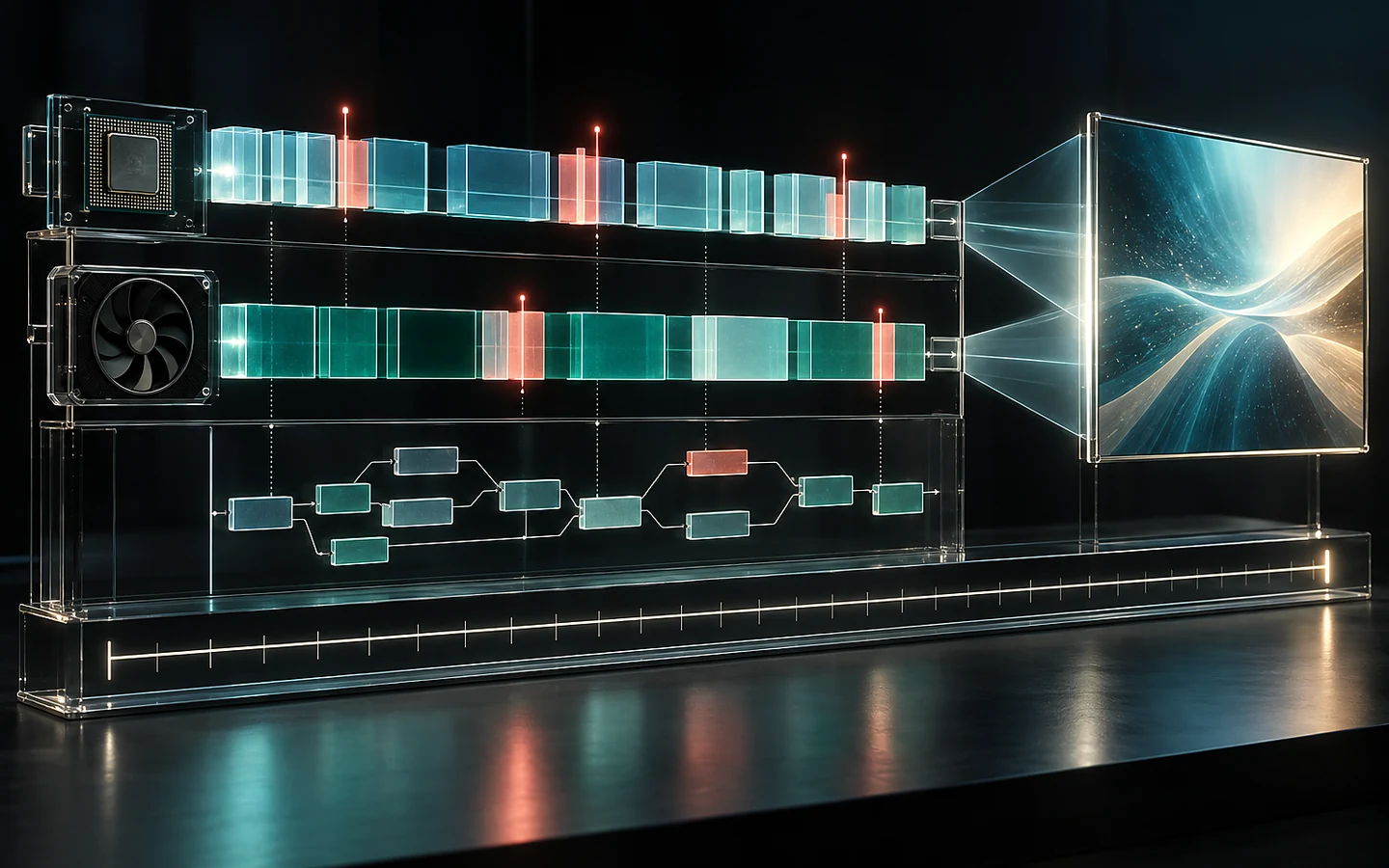
Optimization is easier when the project has a budget, representative hardware, and repeatable captures before content peaks. A target of 60 frames per second allows about 16.7 milliseconds for a frame; 30 frames per second allows about 33.3 milliseconds. That total must cover the work needed to produce and present the frame, with headroom for variation.
Define the target and the test scene
Name the supported device class, resolution, quality preset, frame target, and acceptable behaviour when the target cannot be held. A powerful development PC is not a target specification. Keep at least one representative low-end or minimum-spec environment in regular use.
Select repeatable scenes: a quiet baseline, normal gameplay, the heaviest expected encounter, a transition, and a stress case. Record camera path, input sequence, build type, engine version, and capture duration. Without repeatability, a faster number may reflect a different view rather than an improvement.
Divide the budget by system
Start with broad categories rather than false precision: gameplay and simulation, rendering submission, GPU work, animation, physics, audio, UI, streaming, and operating margin. The categories compete for the same frame. A feature that is inexpensive alone may be costly when it forces more draw calls, animation updates, or transparent overdraw elsewhere.
Use the engine profiler and platform tools to determine whether the frame is limited by CPU, GPU, synchronization, memory pressure, or streaming. Average frame rate can hide visible spikes. Track percentiles and individual stalls as well as the mean.
A worked example: the crowded courtyard
A target device holds 60 fps in empty traversal but drops during a courtyard fight. The capture shows the main thread spending extra time on character scripts while the GPU also approaches its limit from particles and shadows. Reducing texture resolution alone will not solve either dominant cost.
The team tests representative changes separately: lower update frequency for distant agents, pooled effects, reduced shadow range, and a capped number of overlapping transparent particles. It records frame time and visible trade-offs for each change. The final combination retains important silhouettes while recovering headroom for unpredictable combat events.
Treat loading and memory as player experience
A stable frame can still be interrupted by asset creation, shader compilation, garbage collection, or synchronous file access. Profile transitions and first-use effects, not only steady state. Track peak memory and allocation patterns on the target device. A build that works after ten minutes may fail after repeated level changes.
Create content rules that artists and designers can apply without opening a profiler for every edit: sensible texture classes, effect limits, light and shadow rules, LOD expectations, animation update ranges, and streaming boundaries. These are starting points, not substitutes for captures.
Keep evidence with the change
For each optimization, store before-and-after captures, hardware, build, scene, metric, visual impact, and any shifted cost. A CPU improvement that increases GPU work may still help on one platform and harm another. Recheck representative scenes after engine or rendering changes.
Our editorial judgment is that headroom is a feature. Spending the entire budget in a controlled scene leaves no room for background activity, thermal limits, platform overlays, or late content. A smaller effect that behaves reliably on the promised hardware is usually a better production choice than a showcase setting players must disable.
Sources and verification
Primary documentation checked on 25 September 2026. Product and platform requirements can change; recheck the linked source before release work.