
Production
A Playtest Observation Sheet That Produces Decisions
Collect behaviour, context, and severity without turning every player comment into a feature request.
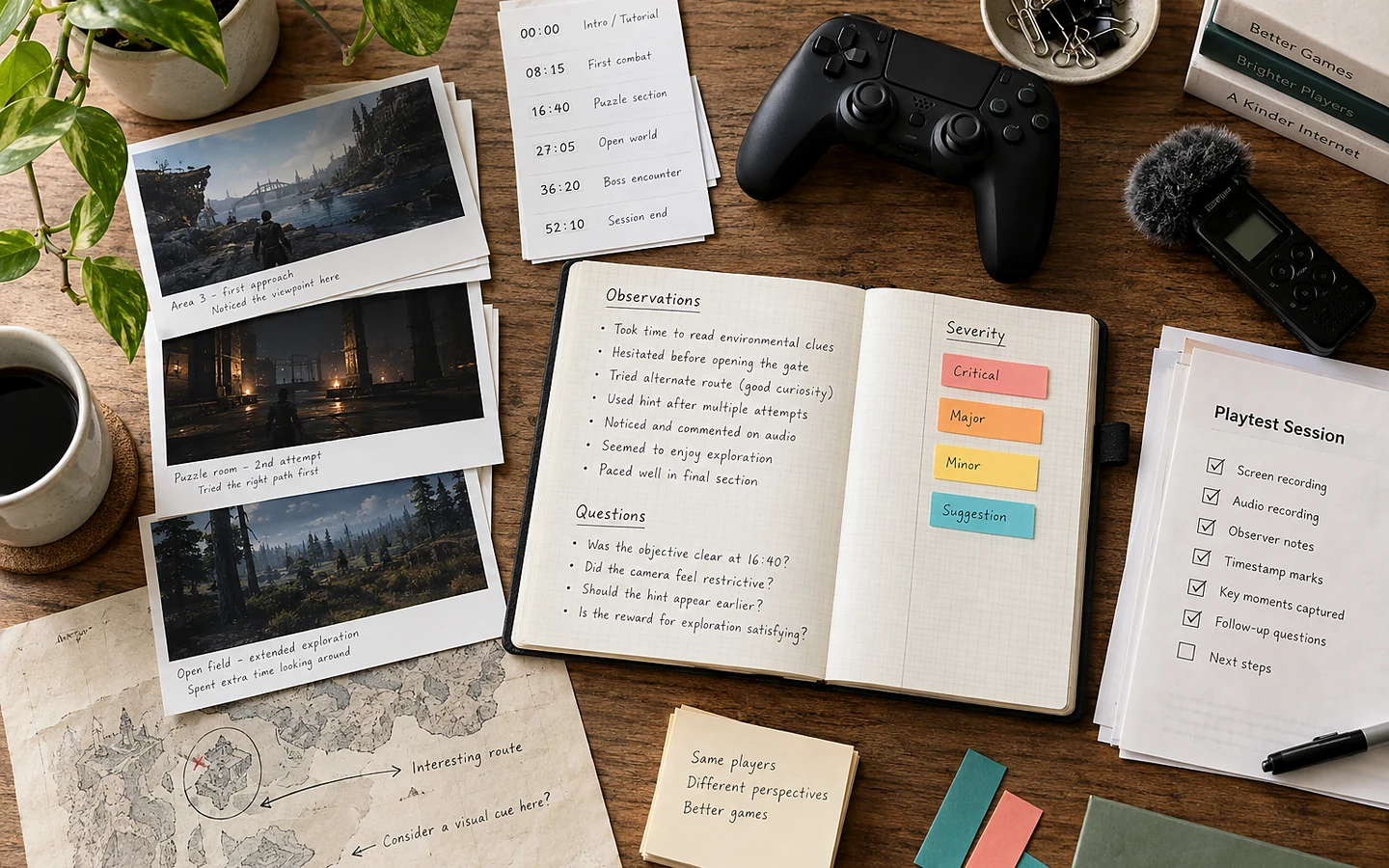
Playtest notes become useful when they preserve what the player did, what the build did, and what decision the team must make. A list of opinions—“movement weird,” “great art,” “needs more content”—is easy to collect but difficult to act on. A structured observation sheet turns a session into comparable evidence.
Record the test contract
At the top of the sheet, write the build identifier, device, input method, session goal, known limitations, and the exact questions being tested. Add the tester’s relevant familiarity in broad terms without collecting unnecessary personal data. “Regular action-game player; unfamiliar with this build” is normally more useful than a name or email address.
Steam Playtest can separate pre-release testing from the main application and lets developers control access, but the platform does not decide what feedback to collect. The test still needs a clear question and an appropriate feedback route. Tell participants what kind of feedback is useful, how it will be handled, and whether the build may change or disappear.
Use three note columns
The first column is time or location: room name, objective, menu, or elapsed minute. The second is direct observation: repeated input, pause, route change, failure, visible surprise, or an exact short quote. The third is a later interpretation or follow-up question. Separating these columns makes it possible for another reviewer to challenge the interpretation without losing the event.
Add a severity field based on player impact. A blocker prevents progress. A major issue causes repeated failure or a materially wrong decision. A moderate issue adds friction but has a workaround. A minor issue is noticeable without changing the outcome. Severity is not the same as frequency: a rare save-loss defect can outrank a common cosmetic complaint.
A worked example: the tutorial door
Suppose four of six testers stop at a locked door. The first note is not “door needs a brighter outline.” Record that the objective says “restore power,” the switch is behind the player, four players interact with the door at least three times, and two open the pause menu. Then ask what they believed the objective required.
The pattern could indicate weak spatial guidance, an unclear verb, misleading objective text, or an interaction convention learned elsewhere in the build. Test one change at a time: reframe the camera, change the objective wording, or add an environmental cue. If all changes are applied together, the team learns only that the bundle worked.
Group patterns after the session
Do not redesign during the session unless the build is blocked. Afterward, group observations by player task: understand the goal, navigate, execute an input, read feedback, recover from failure, and manage settings. Tag each item with frequency and severity, then connect it to the decision the test was meant to support.
Positive behaviour matters too. Record moments when players predict a rule correctly, teach themselves a combination, or choose different viable strategies. These moments identify systems that should be protected while surrounding problems are fixed. A change that removes friction but also removes an interesting decision may make the game clearer and less engaging.
Close the loop visibly
Every selected issue should end with an owner, proposed change, validation method, and build target. Rejected requests need a short reason such as scope, conflict with the game’s goal, insufficient evidence, or accessibility trade-off. This prevents the same unresolved comment from returning without context.
Our recommendation is to keep the sheet deliberately small enough to use while watching. Capture clips only with appropriate consent and secure handling. The team’s final report can be detailed, but the observer’s first responsibility is to notice the session rather than administer a survey.
Sources and verification
Primary documentation checked on 25 September 2026. Product and platform requirements can change; recheck the linked source before release work.