
Player Experience
Review a Game Menu Without Reaching for the Mouse
A controller-first walkthrough for focus, hierarchy, recovery, remapping, and mixed-input behaviour.
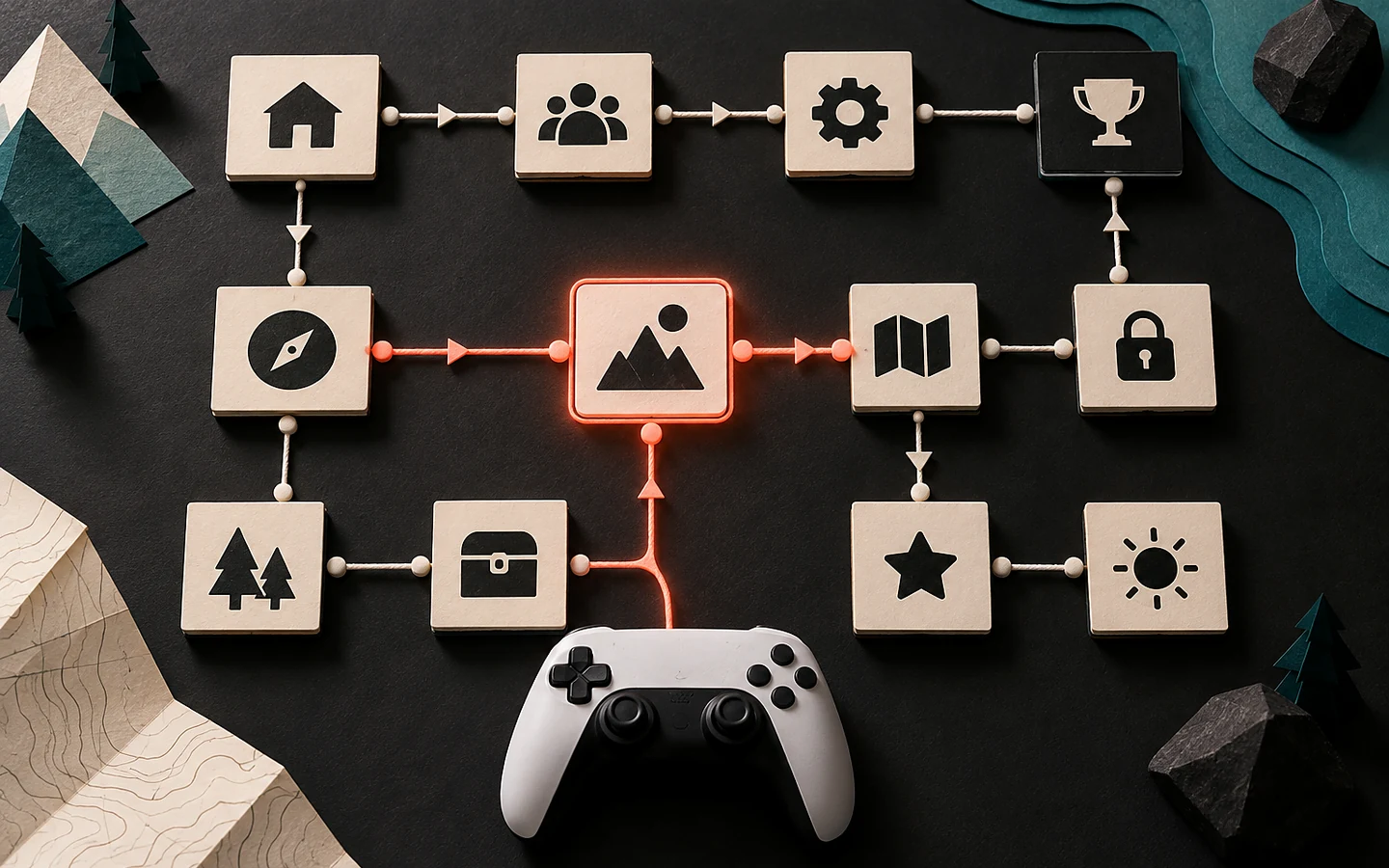
A menu can look complete while remaining fragile under a controller. Mouse testing hides missing focus, unreachable controls, ambiguous back behaviour, and settings that change the active device unexpectedly. A controller-first review exposes the navigation model because every movement must be intentional.
Draw the focus graph
For each screen, mark the initial focus, every directional connection, the primary action, back action, and any control that opens a new layer. A grid should behave like a grid; a vertical list should not jump sideways into a footer because two rectangles happen to align. When a control is disabled, focus should skip it or explain why activation is unavailable.
Make focus visible with more than a subtle colour shift. Use an outline, scale, underline, cursor, or motion that remains clear over changing backgrounds and in reduced-motion mode. The focused label must be readable before activation, including on sliders and icon-only controls.
Keep confirm and back predictable
Confirm should activate or enter. Back should close the topmost layer, cancel an uncommitted change, or return to the previous screen. It should not sometimes erase progress without warning. Modal dialogs need an explicit safe default, and destructive choices need language that names the consequence.
Record where focus returns after closing a dialog. Returning to the top of a long list forces extra navigation and can cause repeated mistakes. Restoring focus to the control that opened the layer usually preserves context.
A worked example: remapping jump
A player opens Controls, selects Jump, and presses a button already assigned to Interact. A robust flow identifies the conflict and offers clear choices: swap, replace, or cancel. The player can still navigate the dialog, understands which action will become unbound, and can restore defaults without losing unrelated settings.
Now test with the very button being remapped, with two controllers connected, and after the active device disconnects. Test whether prompts update when switching between keyboard and controller. Rapid prompt flicker can occur when analog drift and mouse movement compete; use a sensible device-change threshold.
Review every state, not only the happy path
Disconnect the controller during a menu and during gameplay. Suspend and resume the application. Open a screen with no save files, a full list, a long localized label, and a network error. Verify that focus remains visible, actions remain possible, and the player can recover without force-quitting.
Sliders need discrete steps, audible or visible values, and limits that do not trap focus. Scroll areas should indicate that more content exists. Tabs should expose both the active tab and its relationship to the panel. Tooltips must not cover the focused control or disappear before they can be read.
Test from startup to exit
A controller-compatible game should be reviewable from launch through settings, gameplay, pause, results, and exit without borrowing a mouse. Include platform overlays and text entry where they are part of the supported journey. If text entry requires a system keyboard, explain the transition and return focus afterward.
Our editorial judgment is that focus behaviour is part of information architecture, not a late polish task. When the underlying order is coherent, controller navigation, keyboard access, and screen-reader adaptation all become easier. Fixing rectangles one by one after every screen is built creates an expensive maze.
Sources and verification
Primary documentation checked on 25 September 2026. Product and platform requirements can change; recheck the linked source before release work.