
Publishing
Make a Store Page From Evidence, Not Aspirations
Align screenshots, copy, feature claims, platforms, and accessibility information with the build a player can actually obtain.
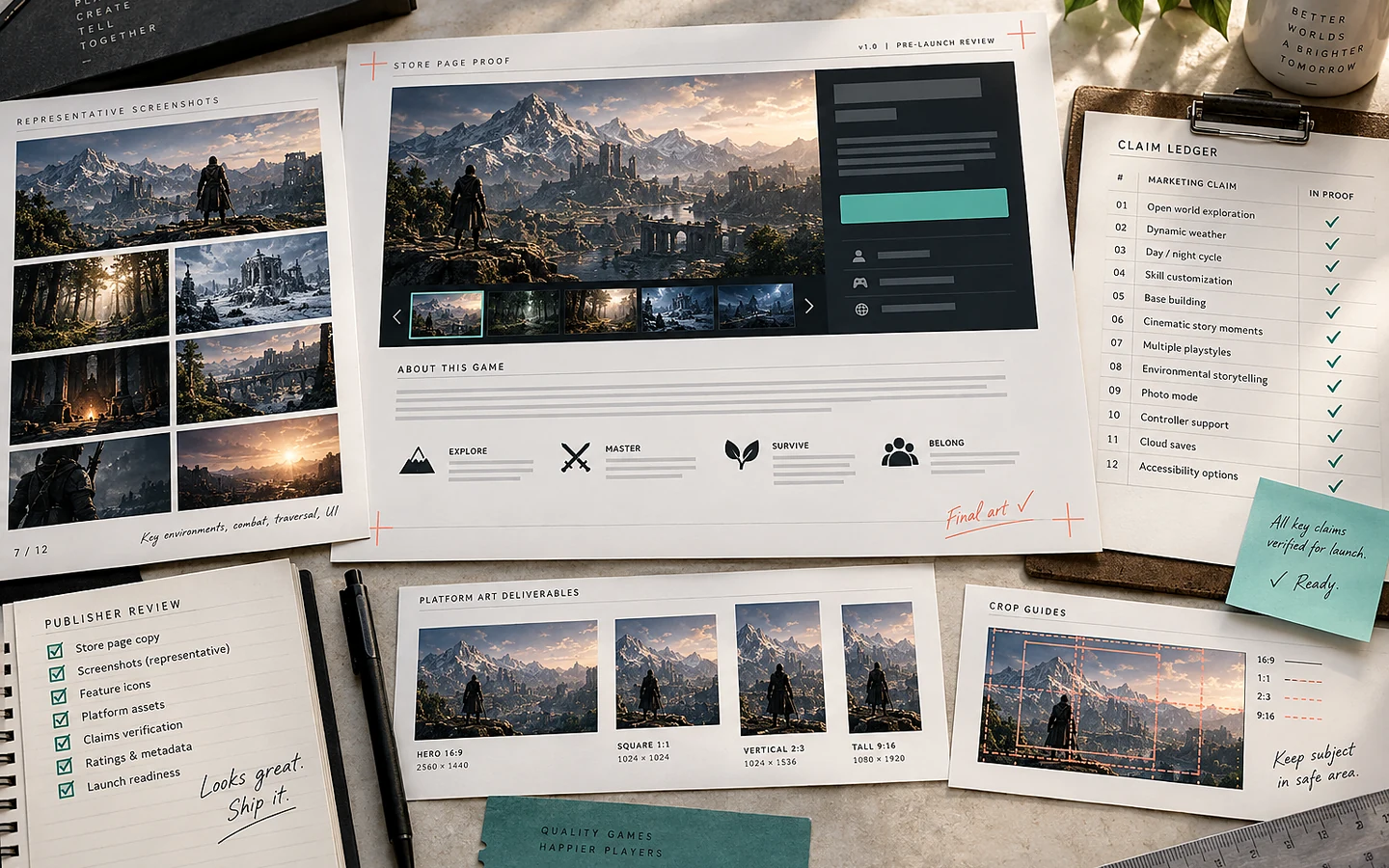
A store page is a product description and a decision surface. It should help the right player understand the game quickly and avoid promises the build cannot support. The strongest page uses current capture, concrete verbs, accurate feature labels, and a review trail connecting every claim to evidence.
Write the one-sentence test first
Describe what the player repeatedly does, the context that makes it distinctive, and the format or mode that materially affects the decision. Avoid awards, adjectives, and lore in the first draft. If the sentence could describe dozens of games, the team may not yet agree on what the page needs to communicate.
Use that sentence to select the first screenshot and trailer opening. The first assets should show the primary interaction at a readable scale. A cinematic landscape cannot explain a tactics interface, and concept art should not be presented as gameplay.
Create a claim ledger
List every public claim: player count, online requirements, input support, language, accessibility features, operating systems, release state, cross-play, progression, procedural generation, and expected content. Link each claim to a build, test, platform configuration, or approved plan. Remove or qualify anything that cannot be verified.
Keep planned features separate from present features. Early Access or development status does not make every aspiration safe to promise. Use dates only when the release process supports them, and update all surfaces together when plans change.
A worked example: “play together”
A page says “play together with friends,” but the current build supports only local two-player play with shared-screen input. Some readers will infer online multiplayer or larger groups. Replace the phrase with “two-player local co-op on one screen,” then show both players in an actual capture and list supported input combinations.
Before publishing, test the store copy with someone unfamiliar with the project. Ask what they believe the game includes, where it runs, and how multiplayer works. Misunderstandings are evidence that the wording or media hierarchy needs revision.
Capture representative material
Use a current public-candidate build, hide debug or private information, and record the build ID with every asset. Include several meaningful situations rather than nine variations of the same room. Preserve native resolution masters and export platform-specific derivatives without stretching or obscuring required content.
Check small-size legibility. Capsules and thumbnails often appear much smaller than the working canvas. Follow the platform’s current rules for logos, ratings, review text, and promotional messaging; requirements change and should be rechecked when assets are submitted.
Review the complete path
Verify that store copy, trailer, screenshots, system requirements, package contents, demo or playtest access, privacy information, support links, and the downloaded build agree. Test external links and use a support destination that can identify the product and platform.
Our recommendation is to optimize for qualified interest, not maximum curiosity. A precise page may discourage people who want a different mode or platform, but it also attracts players whose expectations the game can meet. That alignment is more durable than a high click-through rate built on ambiguity.
Sources and verification
Primary documentation checked on 25 September 2026. Product and platform requirements can change; recheck the linked source before release work.