
Publishing
Build the Support Page Before the Launch Rush
Prepare version checks, safe troubleshooting, report fields, privacy boundaries, and escalation routes while the build is still testable.
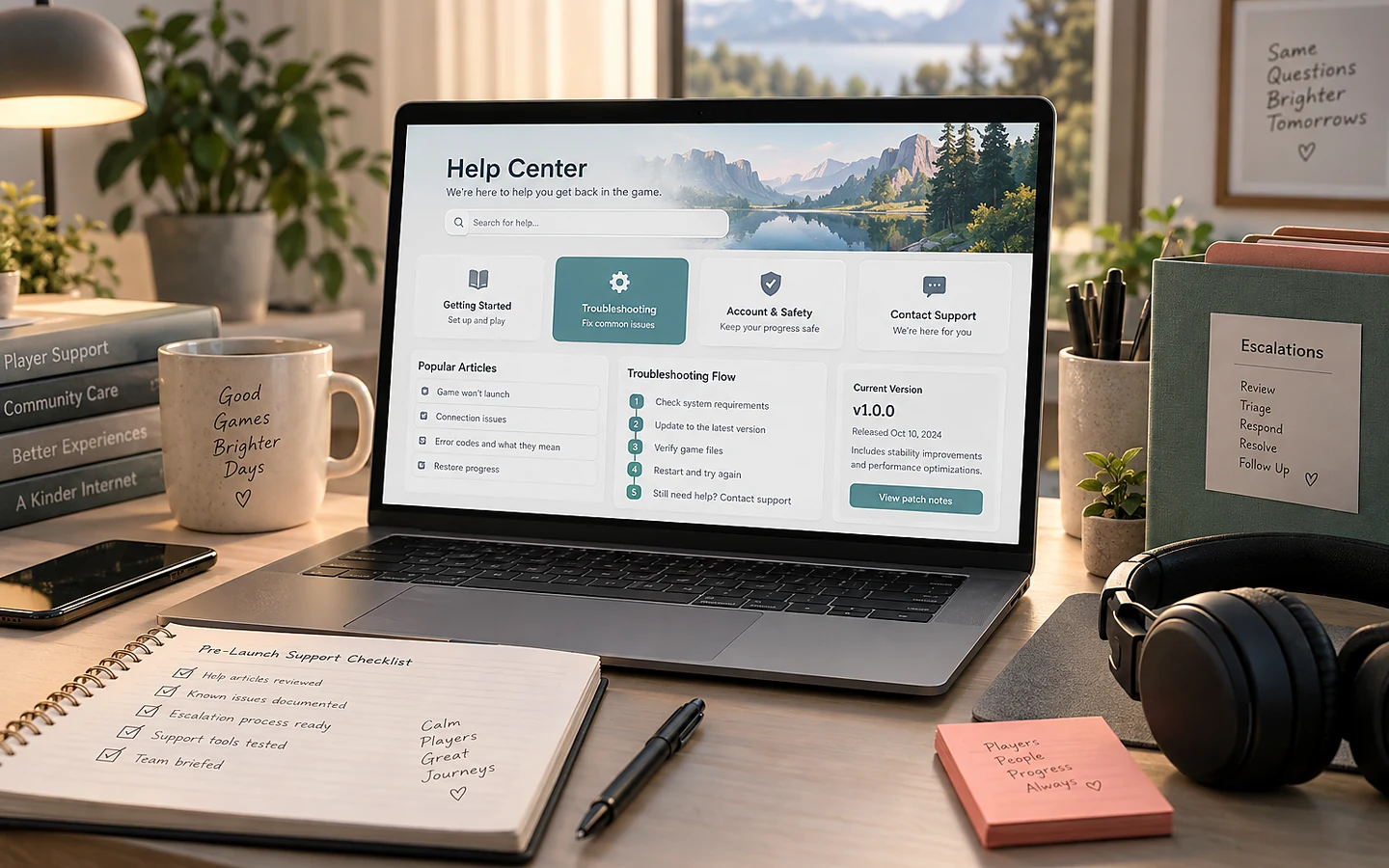
Support content is part of release engineering. Writing it after reports arrive forces the team to diagnose builds, paths, settings, and privacy concerns under pressure. A launch-ready support page gives players safe first steps and gives the team structured evidence without requesting unnecessary data.
Show the player how to identify the build
Place a version and build identifier in a reliable screen such as settings, credits, or the main menu. Document where to find it, along with platform and store channel. “Latest version” is not enough during staged rollouts or beta branches.
For every support article, state the affected platform and version range. Keep instructions separate when file paths or controls differ. A desktop fix should not be copied to mobile, and a Windows path should not be implied to exist on every PC platform.
Order troubleshooting from safe to disruptive
Start with confirming service status, version, restart, supported device, storage, and known issues. Move to file verification or settings resets only when appropriate. Put reinstalling, deleting configuration, or removing saves last and explain exactly what may be lost.
Never instruct players to disable security tools broadly, download unknown utilities, or send passwords and payment details. If logs are useful, explain where they are, what they may contain, how to review them, and the approved submission route.
A worked example: progress appears missing
A player reports that progress disappeared after using a second device. The support flow first confirms account/profile, platform, offline status, build version, cloud synchronization state, and whether the original device still has the save. It tells the player not to start a new session that could overwrite a recoverable copy.
The report asks for timestamps, device labels, last known checkpoint, and non-sensitive screenshots—not credentials. Escalation notes identify where support can check conflict records and what recovery choices can be explained. If recovery is impossible, the response says so directly rather than promising restoration.
Create a useful report template
Ask for a short summary, expected result, actual result, reproduction steps, frequency, version, platform, input device, and relevant error text. Make attachments optional and set reasonable size and format guidance. Provide separate routes for privacy requests, security reports, press, and general feedback when their handling differs.
Confirm receipt without promising a fix date. State whether individual responses are provided only if that is operationally true. Publish material known issues so players do not need to send duplicate reports merely to learn that the team is aware.
Connect support to release work
Before launch, test every instruction on a clean environment and the actual candidate build. Check links from store pages and in-game menus. Verify that the public email domain matches the site and that the mailbox is configured before production release.
Our recommendation is to treat the support page as a maintained product surface with conservative claims. Good support content cannot replace stable software, but it shortens diagnosis, prevents destructive self-help, and shows players what information the team can responsibly act on.
Sources and verification
Primary documentation checked on 25 September 2026. Product and platform requirements can change; recheck the linked source before release work.